5 Signs Your Change Order Process Needs Automation
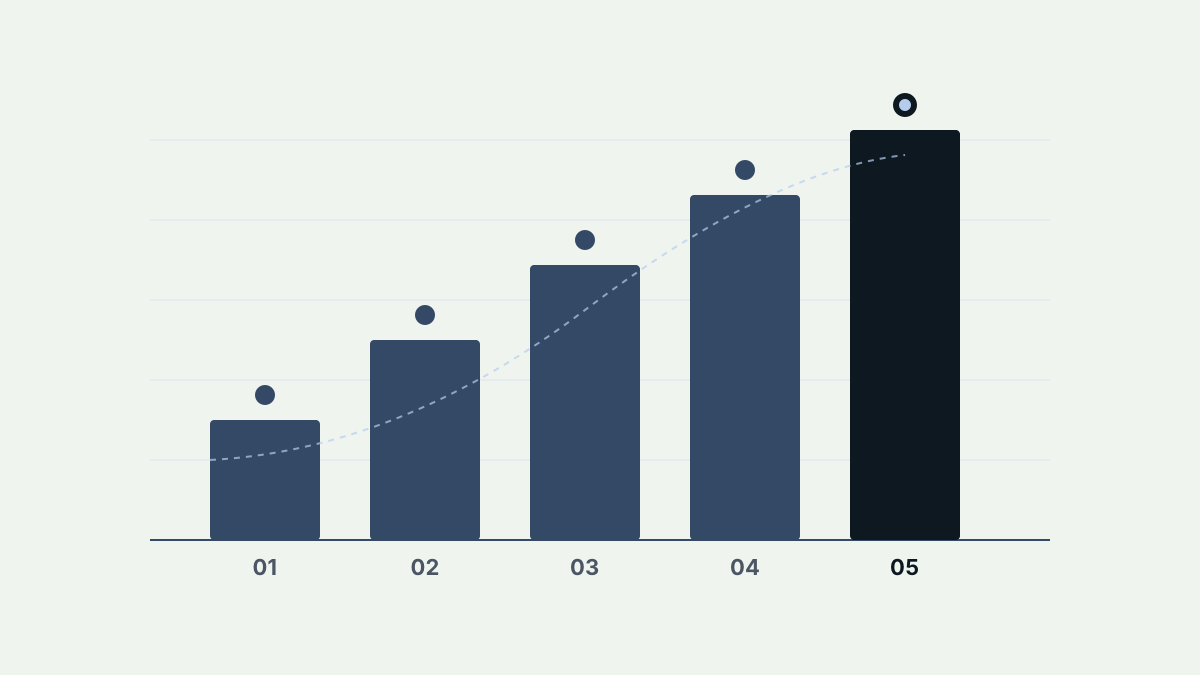
Is Your Change Order Process Holding You Back?
Change orders are an inevitable part of construction. Design changes, unforeseen site conditions, owner requests, and regulatory updates all generate changes that need to be documented, priced, and approved.
The question isn't whether you'll deal with change orders. It's whether your process for handling them is helping or hurting your projects. Here are five signs that it might be time to automate.
1. Approvals Consistently Take More Than 48 Hours
If a straightforward change order routinely takes more than two business days to get approved, your process has bottlenecks. The most common culprits are sequential approval chains, unclear routing, and manual notification processes.
With an automated system, change orders are routed to the right reviewers immediately upon submission. Reviewers get notified instantly and can approve from any device. Simple change orders can be approved in hours, not days.
What to watch for: Track your average approval time across all projects. If it's trending upward or consistently above 48 hours, manual processes are likely the root cause.
2. Documentation Gets Lost or Misplaced
"I know we sent that change order last week. Can you resend it?" If this conversation sounds familiar, your documentation system is failing you.
When change orders live in email threads, shared drives, and physical filing systems, things get lost. Attachments get separated from their cover letters. Supporting photos end up on someone's phone instead of in the project file. Signed approvals disappear into email archives.
An automated system provides a single location for every document, photo, and signature associated with a change order. Nothing gets lost because there's only one place to look.
What to watch for: Count how many times per week your team asks for documents to be resent or can't find a specific version of a change order.
3. You're Entering the Same Data Multiple Times
Consider the lifecycle of a single change order. The scope description gets typed into a change order form, then re-entered into the project management system, then re-keyed into the accounting system, and finally re-typed into a monthly report.
Each re-entry takes time and introduces the risk of errors. A pricing discrepancy between the change order form and the accounting system can trigger disputes that take weeks to resolve.
Automation eliminates double entry by integrating with your existing systems. Enter the data once, and it flows automatically to every system that needs it.
What to watch for: Map out every system where change order data gets entered. If the same information appears in more than two places, you have a data entry problem.
4. You Have No Real-Time Status Visibility
When someone asks, "Where is that change order?" how long does it take to answer? If the answer involves checking email, making phone calls, or logging into multiple systems, you lack real-time visibility.
Without visibility, project managers spend hours each week chasing status updates. Owners get frustrated by lack of communication. And nobody can accurately predict when pending change orders will be resolved.
Automated systems provide dashboards showing every active change order, its current status, who needs to act, and how long it's been waiting. The information is always current and always accessible.
What to watch for: Time how long it takes to answer a status question about any given change order. If it takes more than 30 seconds, you need better visibility tools.
5. Disputes Arise Over Change Order History
"That's not what we agreed to." "The price changed between versions." "We never approved that scope addition."
When change order history is scattered across emails, meeting notes, and verbal agreements, disputes are inevitable. Without a clear audit trail showing every change, every comment, and every approval, disagreements turn into expensive legal battles.
Automated systems log every action automatically. Every edit is tracked. Every approval is timestamped. Every comment is preserved. When disputes arise, the complete history is available in seconds, not days of forensic email searching.
What to watch for: Review your change order disputes from the last year. How many could have been prevented with better documentation and a clear audit trail?
The Automation Decision
If you recognized your team in three or more of these signs, manual processes are likely costing you real money through delays, errors, and disputes.
The good news is that modern change order automation tools are designed specifically for construction workflows. They don't require you to change how you work. They just make your existing processes faster, more accurate, and more transparent.
What to Look For in an Automation Solution
- Construction-specific workflows (not generic project management tools)
- Mobile access for field teams
- Integration with your existing project management and accounting software
- Real-time notifications and status dashboards
- Complete audit trails for every change order
Ready to see what automation could do for your team? Book a demo to learn how INELOS streamlines the entire change order lifecycle.


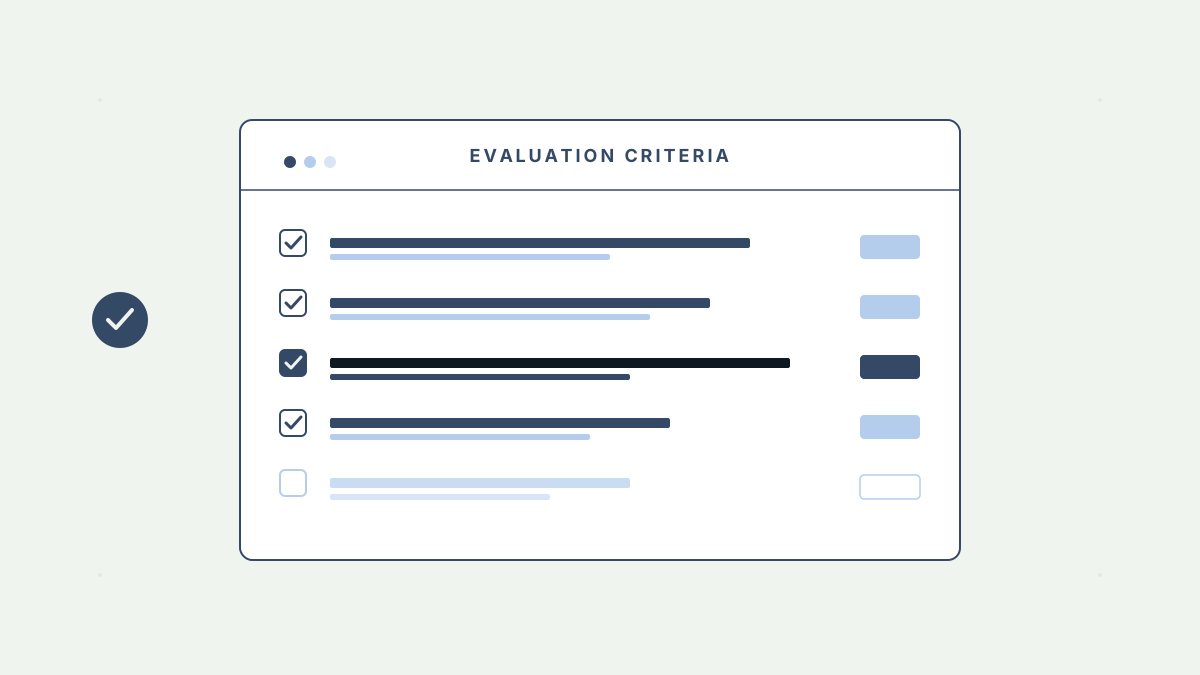
Ready to Automate Your Change Orders?
Book a demo to see how INELOS handles your specific change order workflows.